
How to Send a Password Protected Email (And Why You Probably Shouldn't)
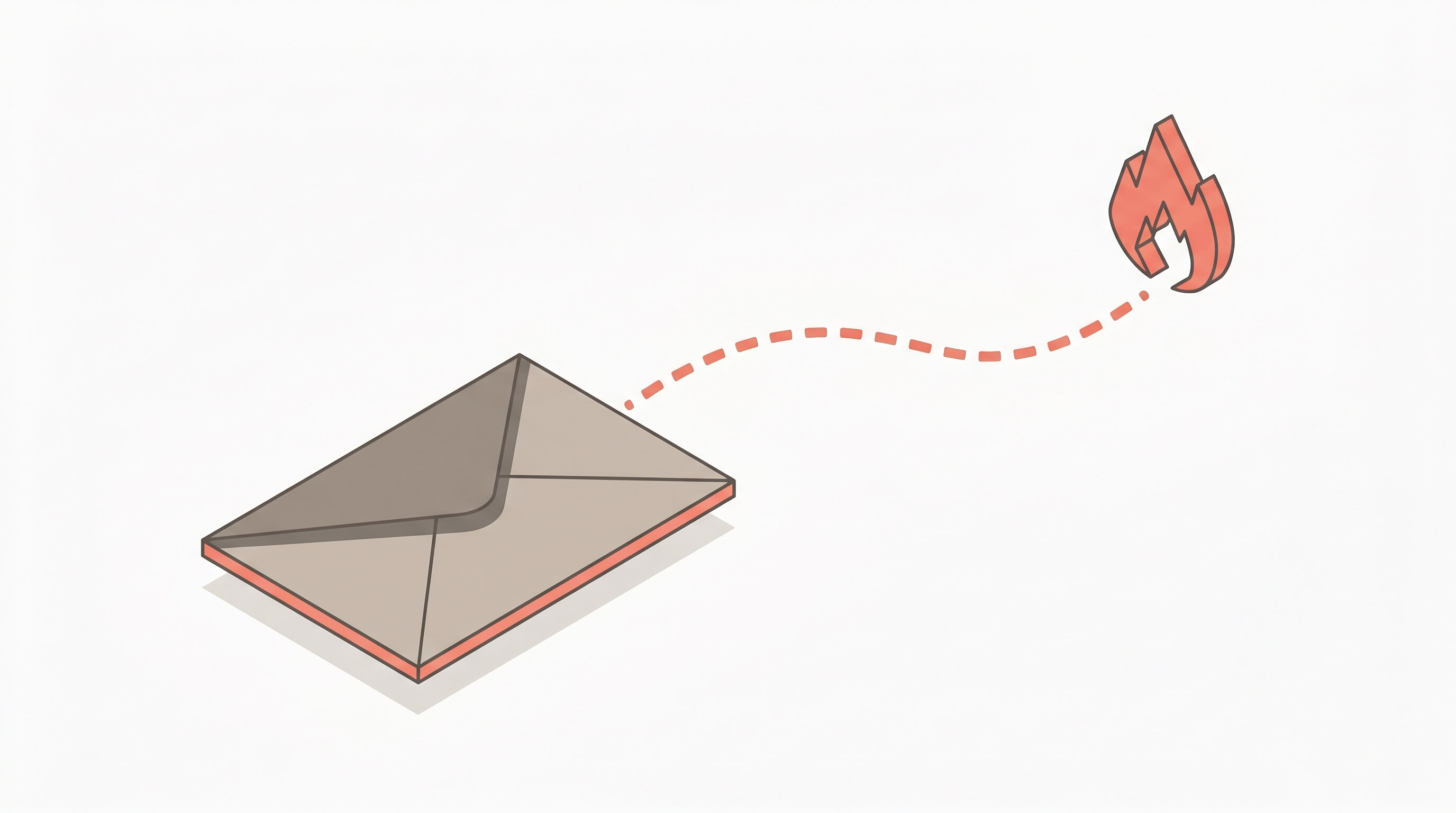
If you searched “how to send a password protected email,” you probably have a password, API key, or some other credential you need to get to someone. Every guide you’ll find will walk you through Gmail Confidential Mode or Outlook’s encryption settings.
Those guides aren’t wrong. But they’re answering the wrong question.
The better question is: should sensitive information be in an email at all?
The Short Answer
No. Don’t put the password in the email. Put it behind a one-time link that self-destructs after it’s been read. Send that link through email — or Slack, or Teams, or text. The sensitive data never touches anyone’s inbox.
That’s it. That’s the whole approach. If you want to get started right now, go to pwpush.com, paste your secret, and you’ll have a link in about five seconds. No account required.
If you want to understand why this is better, keep reading.
What’s Wrong With Password Protected Email
Password-protecting an email sounds secure. The problem is what happens after the recipient opens it.
The credential persists. Once your recipient reads the email, that password now sits in their inbox — indefinitely. It’s in your Sent folder too. Both are backed up, synced across devices, and archived by your email provider. That one credential you sent at 3pm on a Tuesday now exists in a half-dozen places, none of which you control.
Gmail Confidential Mode isn’t encryption. Google’s own documentation acknowledges this. The recipient can’t forward the email, but they can screenshot it. Google can still scan the contents. And the “expiration” just removes access to the email — it doesn’t delete the data from Google’s servers.
The password-for-the-password problem. If you encrypt an email, you need to get the decryption password to the recipient somehow. Most people send it in a separate email. So now you have two emails, both in inboxes, both persistent — and anyone who compromises the inbox gets both.
Forwarding and screenshots. Even with access controls, you can’t prevent someone from copying the text and pasting it somewhere else. The fundamental issue isn’t access control — it’s that email is a persistent medium, and credentials shouldn’t persist.
The One-Time Link Approach
Instead of trying to make email secure, take the sensitive data out of email entirely.
- Put the credential behind a one-time link
- Send the link through whatever channel you’d normally use — email, Slack, Teams, text
- The recipient clicks the link and sees the credential
- The link self-destructs. The data is deleted.
The email still exists in both inboxes, sure. But it contains a link to something that no longer exists. Anyone who finds that email later — whether through a breach, a forwarded thread, or an old backup — gets nothing.
How Password Pusher Works
Password Pusher is built specifically for this:
- Paste your secret at pwpush.com and set a view limit and expiration
- Get a one-time link — send it however you want
- Recipient clicks the link and sees the secret
- The data self-destructs after the view limit or time limit is reached
No account required. No software to install — for you or the recipient.
A few extras that matter: a retrieval step that prevents URL preview bots (Slack, Teams, iMessage) from consuming views before your recipient sees them. Passphrase protection for an extra layer. An audit trail showing when links were accessed. And auto-dispatch to email the link directly to the recipient on your behalf.
Password Pusher has been in production since 2011 — over fourteen years. The security-critical code is fully open source and auditable on GitHub. Over 100 million secrets shared. You can use it for free, or get Pro features like team collaboration, custom domains, and white-label branding for your organization.
Quick Recap
| Approach | Credential persists? | Recipient needs account? | You control the lifecycle? |
|---|---|---|---|
| Password-protected email | Yes — in both inboxes, backups, archives | No | No |
| Encrypted email (S/MIME, PGP) | Yes — once decrypted | Yes — needs certificates/keys | No |
| One-time link (Password Pusher) | No — deleted after viewing | No | Yes |
The safest email is the one that doesn’t contain the secret.
Peter Giacomo Lombardo Founder & Principal, Apnotic · Creators of Password Pusher