
Webhooks: Real-Time Event Notifications for Your Workspace
TL;DR: Password Pusher Pro on pwpush.com now supports webhooks (beta). Configure an HTTPS endpoint in your workspace, choose which events to subscribe to, and receive signed JSON notifications when pushes and requests are created, viewed, or expire. Payloads contain metadata only — secret content is never included. Deliveries are signed with the Standard Webhooks specification and verifiable with common SDKs.
Why Webhooks
Until now, keeping external systems in sync with Password Pusher meant polling the API or checking the dashboard manually. If you wanted a Slack notification when a credential request got a response, or a log entry when a push was first viewed, you had to build that polling loop yourself and accept the delay.
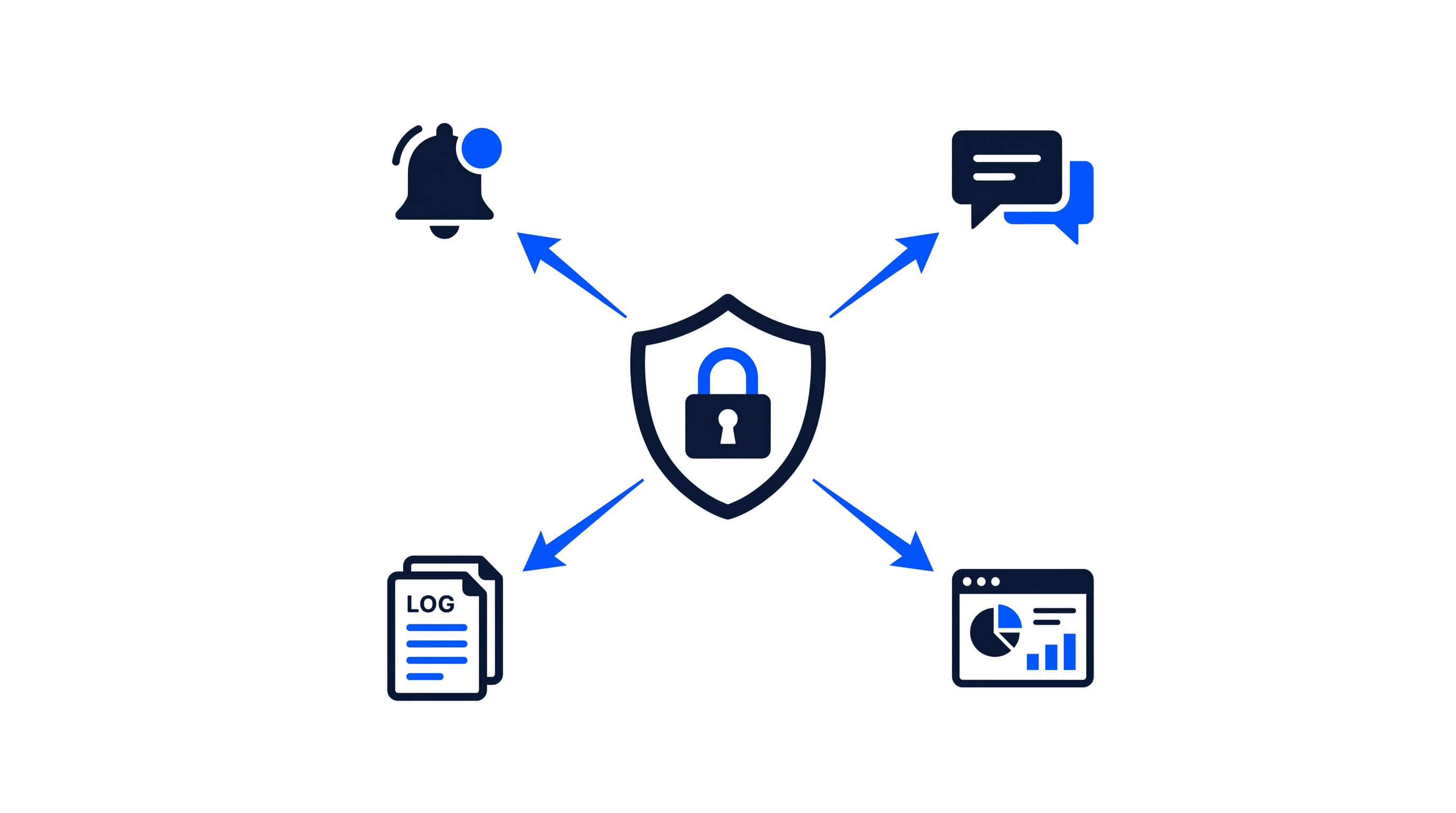
Webhooks invert that. Instead of your system asking Password Pusher “did anything happen?”, Password Pusher tells your system the moment something does. That opens up a set of workflows that were previously impractical: triggering a follow-up action when a push expires, logging delivery events to a SIEM, alerting a channel when a credential request gets a response, or feeding push activity into an internal dashboard.
How It Works
Webhooks are configured per workspace. Workspace admins can create up to 5 endpoints, each subscribed to the specific events that matter for that integration.
To set one up:
- Sign in on us.pwpush.com or eu.pwpush.com with an active Pro subscription.
- Open Workspace → Policy → Webhooks.
- Choose Add Webhook.
- Provide a name, your HTTPS endpoint URL, generate a signing secret, and select which events should trigger deliveries.
- Save and enable.
When a subscribed event occurs, Password Pusher sends an HTTPS POST to your endpoint with a JSON body containing metadata about the event.
Supported Events
You can subscribe to any combination of push and request events:
| Event | Payload type |
Triggered when |
|---|---|---|
| Push creation | push.created |
A push is created |
| Push first view | push.first_viewed |
The push page is viewed for the first time |
| Push expiration | push.expired |
The push expires (manual, timed, or last-view) |
| Request creation | request.created |
A request is created |
| Request first view | request.first_viewed |
The request page is viewed for the first time |
| Response received | request.response_received |
A response is submitted to a request |
| Request close | request.closed |
The request is closed |
Only events you subscribe to will generate deliveries. You can change your subscriptions at any time by editing the webhook.
What Your Endpoint Receives
Each delivery is an HTTPS POST with a JSON body and a set of standard headers:
{
  "type": "push.created",
  "occurred_at": "2026-08-07T10:30:00.000000Z",
  "data": {
    "workspace": {
      "id": "acct_oxQdpMWVm",
      "name": "Your Corporation"
    },
    "metadata": {
      "has_files": true
    },
    "push": {
      "url_token": "fjah-38fj2lanvbfke",
      "created_at": "2026-08-07T10:30:00.000000Z",
      "expires_at": "2026-08-08T10:30:00.000000Z"
    }
  }
}
Request events use a request object instead of push, and request.response_received also includes responded_at and metadata.include_requestor.
The payload is metadata only. Secret content — push payloads, passphrases, request responses — is never included in webhook deliveries. If your workflow needs the actual content, retrieve it through the Password Pusher UI or API v2.
Delivery Headers
Every delivery includes these headers:
| Header | Description |
|---|---|
Content-Type |
application/json |
User-Agent |
Password-Pusher-Webhook/1.0 |
webhook-id |
Unique message ID (msg_...) for idempotency |
webhook-timestamp |
Unix timestamp used for signing |
webhook-signature |
Standard Webhooks signature (v1,...) |
Your endpoint must use HTTPS, resolve to a public host, and return an HTTP 2xx status for the delivery to be considered successful.
Signature Verification
Deliveries are signed using the Standard Webhooks specification. When you create a webhook, you generate a signing secret (whsec_...) that Password Pusher uses to sign each delivery. Your endpoint verifies the signature against the raw request body using the webhook-id, webhook-timestamp, and webhook-signature headers.
The advantage of Standard Webhooks is that you do not need to write custom crypto. Official verification libraries exist for Python, JavaScript/TypeScript, Ruby, Go, Java, and other languages. Most of them handle timestamp tolerance checks as well, so you get replay protection for free.
Store your signing secret securely. It is encrypted at rest in Password Pusher and shown only once at creation — after that, the UI shows it as configured but does not redisplay the full value.
Retries and Idempotency
Transient failures — timeouts, connection errors, HTTP 5xx, or 429 responses — are retried automatically, up to 3 attempts with increasing delay. Permanent failures (other non-2xx responses, blocked hosts) are marked failed and logged.
Every delivery carries a unique message ID (msg_...) in the webhook-id header. Retries reuse the same message ID, so your endpoint may receive the same event more than once with an identical webhook-id. Treat it as an idempotency key: record the IDs you have already processed and skip duplicates.
Both successful and failed deliveries appear in the push or request audit log, and on the webhook’s Recent Deliveries list in the dashboard. Failed deliveries can be retried manually from the UI.
Security Notes
A few implementation details worth mentioning:
- HTTPS only. HTTP endpoints are rejected at configuration time.
- SSRF protection. Private and loopback destinations (localhost, internal IPs) are blocked to reduce server-side request forgery risk.
- Metadata only. The security-by-design principle here is straightforward: webhooks tell your system that something happened, not what the secret was. This means a compromised webhook endpoint cannot leak secret content.
- Audit trail. Webhook delivery events are recorded alongside push and request lifecycle events in the existing audit log.
Where This Might Not Be the Right Fit
Webhooks are currently available on the hosted service (pwpush.com) for Pro plans only. If you are running a self-hosted deployment, webhooks are not yet available — that is on the roadmap.
Webhook deliveries are asynchronous and best-effort with retries. If your integration requires guaranteed, exactly-once delivery with strict ordering, webhooks alone may not be sufficient — you would want to combine them with periodic API polling as a consistency check.
Also, webhooks deliver metadata, not content. If your workflow requires the actual push payload or request response, you will need a follow-up API call to retrieve it. This is intentional — it keeps the security surface of webhooks narrow.
Availability
Webhooks are available now on pwpush.com for Pro plans, currently in beta. We are still refining the experience and welcome feedback.
Full documentation is available at docs.pwpush.com/docs/webhooks/.
Peter Giacomo Lombardo Founder & Principal, Apnotic · Creators of Password Pusher