
What Is a One-Time Password Link (And How to Create One)
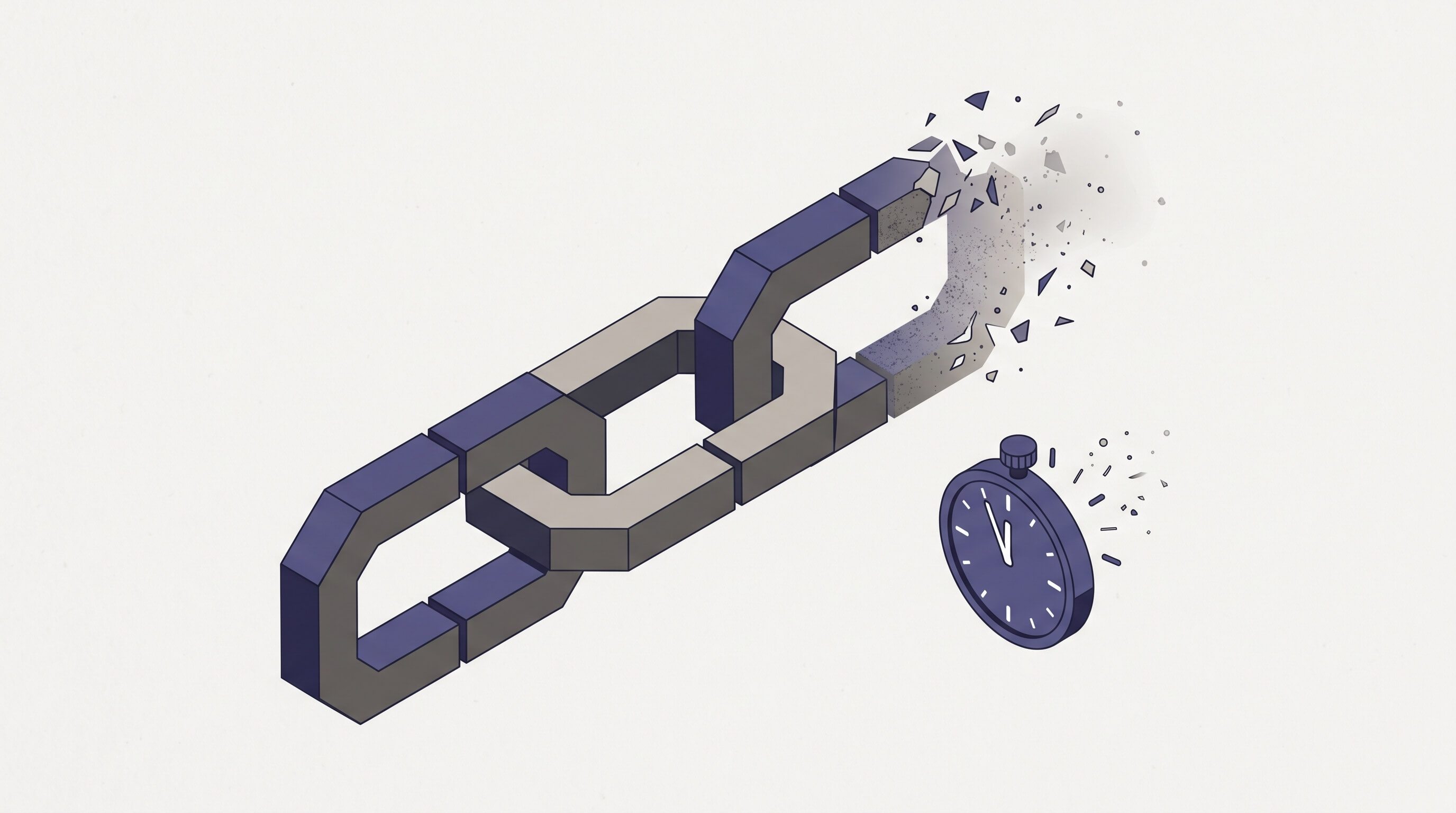
A one-time password link is a URL that contains a password or secret. The recipient opens the link, sees the credential, and the link self-destructs. Anyone who tries to use the link afterward gets nothing — the data has been deleted.
It’s the simplest way to share a password without leaving it sitting in an inbox, a chat log, or a shared document forever.
How One-Time Password Links Work
The concept has three parts:
- You create the link. Paste your password into a tool that generates a unique URL. You set how many times the link can be viewed and how long it should stay active.
- You send the link. Through email, Slack, Teams, text — whatever channel you’d normally use. The password isn’t in the message. Just the link.
- The link self-destructs. After the recipient views it — or after the time limit expires — the data behind the link is deleted. The URL goes dead permanently.
The key difference from sending a password directly: the credential doesn’t persist. An email with a password in it is searchable, forwardable, and backed up indefinitely. An email with a one-time link in it becomes worthless the moment the link expires.
Why Use a One-Time Link Instead of Sending the Password Directly
Every time you paste a credential into an email or chat message, that credential now exists in multiple places you don’t control — sent folders, recipient inboxes, message server databases, cloud backups, synced devices. One credential, potentially dozens of copies.
A one-time password link changes the equation:
- The password lives in one place — behind the link — until it’s viewed or expires
- You control the lifecycle — set view limits (1 view, 5 views, whatever you need) and a time window (hours, days, or weeks)
- You get an audit trail — know when the link was opened, from where, and how many times
- The recipient doesn’t need an account — they click a link, that’s it
- You can revoke it early — if you sent the link to the wrong person, kill it before they open it
This works equally well for sharing credentials with colleagues, sending temporary passwords to clients, or distributing API keys to contractors. The recipient gets what they need. The credential doesn’t outlive its purpose.
How to Create a One-Time Password Link
Password Pusher has been doing this since 2011. Here’s the workflow:
- Go to pwpush.com — no account required
- Paste your password, API key, or any text you need to share
- Set your view limit (how many times the link can be opened) and expiration (how many days or hours before it’s deleted regardless)
- Optionally add a passphrase — the recipient will need both the link and the passphrase to see the content
- Click “Push it!” and copy the generated link
- Send the link to your recipient however you want
When they open the link, they see the credential. After the view limit or time limit is reached, the data is permanently deleted.
What About URL Preview Bots?
This is a real problem that most one-time sharing tools ignore. When you send a link through Slack, Microsoft Teams, or iMessage, those platforms automatically fetch the URL to generate a preview. If the tool counts that fetch as a “view,” the password might be consumed before the recipient ever sees it.
Password Pusher handles this with a one-click retrieval step. When someone opens a push link, they see a landing page first — they have to click a button to reveal the content. Bots don’t click buttons. The recipient does.
Temporary Passwords and Short-Lived Credentials
One-time password links are especially useful for temporary passwords — credentials that only need to exist long enough to get someone logged in.
Common use cases:
- New employee onboarding — send initial login credentials that expire after first use
- Client handoffs — share staging server access or admin passwords for a project deliverable
- IT support — distribute temporary passwords for password resets
- Vendor access — give a contractor credentials for a specific system, knowing the link dies after they’ve used it
Set the view limit to 1 and the expiration to 24 hours, and you’ve created a credential that quite literally cannot persist beyond its intended purpose.
Beyond Text — Files, URLs, and More
Password Pusher isn’t limited to text passwords. You can attach files alongside your push — share a credential document, a configuration file, or an SSH key, all behind the same self-destructing link. You can also push URLs and QR codes with the same expiration controls.
File sharing requires a Premium or Pro subscription on the hosted service. If you self-host the open source edition, file sharing is included out of the box.
Open Source and Fourteen Years in Production
Password Pusher has been running since 2011. The security-critical code — AES-256 encryption, data handling, expiry logic, audit logging — is fully open source and auditable on GitHub. Over 100 million secrets shared to date.
The free tier on pwpush.com handles one-time password links with no account required. Pro subscriptions add team collaboration, custom domains, white-label branding, and workspace policies for organizations. Available hosted — with dedicated EU and US data regions — or self-hosted on your own infrastructure.
Peter Giacomo Lombardo Founder & Principal, Apnotic · Creators of Password Pusher