
How to Securely Collect Passwords from Clients
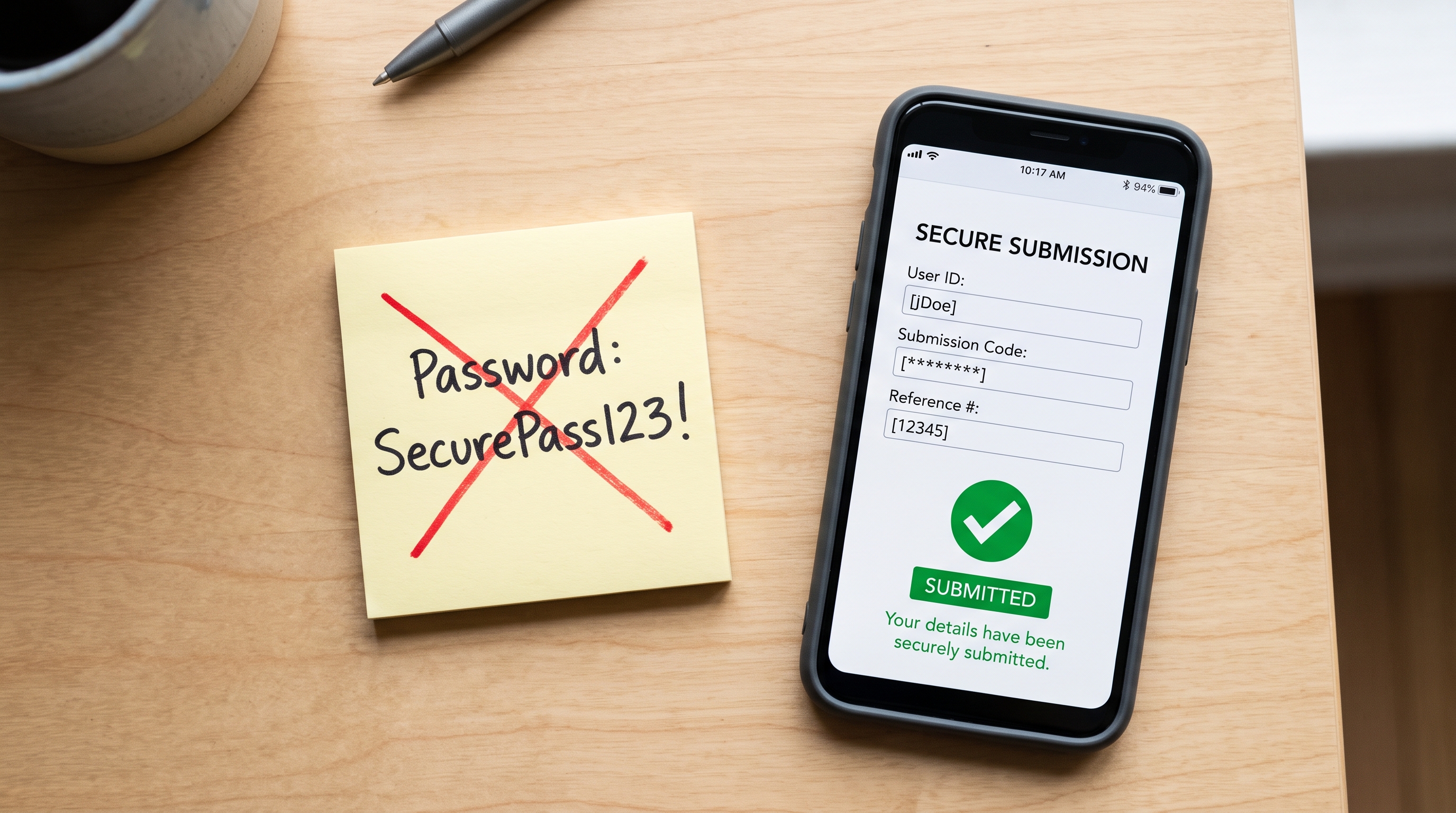
Quick answer: Create a Request — a secure, one-time submission link that you send to the person who has the credentials. They paste the password into an encrypted form, and you receive it through an audit-logged, self-destructing link. No account required for the sender. No passwords in email or chat.
The Problem Everyone Knows About
If you work in IT, run a web agency, manage infrastructure for clients, or handle onboarding for any kind of service — you’ve been in this situation. You need a password from someone. A client, a vendor, a new hire, a colleague in another department.
So you ask for it. And what happens next is almost always the same.
They email it to you. Or they paste it into a Slack message. Or a Teams chat. Or a shared Google Doc. Or — and this one still surprises me — a text message.
That password now lives in a system designed to keep messages forever. Searchable, forwardable, sitting in logs and backups long after anyone remembers it exists. Every compliance framework tells you not to do this. Everyone does it anyway, because there hasn’t been a simple alternative.
What “Securely” Actually Means Here
There are a few properties that matter when collecting credentials from someone:
- Encrypted in transit and at rest. The password should never be visible as plain text in a database, an inbox, or a log file.
- Self-destructing. Once you’ve retrieved the credential, the data should be permanently deleted. Not archived. Not soft-deleted. Gone.
- Audit-logged. You should know exactly when the credential was submitted and when it was retrieved — for your own records and for compliance.
- No account required for the sender. If collecting a password requires your client to sign up for a service, install an app, or figure out PGP, they’ll just email it to you instead.
That last point is the one most solutions get wrong.
The Old Way vs. the New Way
| Email / Chat | Password Manager Sharing | Request Link | |
|---|---|---|---|
| Credentials in plain text? | Yes — stored in inbox/logs forever | No — encrypted in vault | No — AES-256, deleted after retrieval |
| Self-destructs? | No | No — persists in vault | Yes — configurable by views or time |
| Requires sender to have an account? | No | Yes — same password manager | No |
| Audit trail? | No | Varies | Yes — full lifecycle logging |
| Works across organizations? | Yes | Rarely — requires shared vault | Yes |
Password manager sharing is secure, but it only works when both parties use the same manager — which almost never happens across company boundaries. Request links solve the cross-organization problem.
How Requests Work in Password Pusher
Requests flip the direction of Password Pusher’s core mechanic. Instead of creating a secret and sending a link to a recipient, you create a request and send the link to the person who has the secret.
Here’s the flow:
- You create a Request. Give it a name (e.g., “Staging server credentials”), set expiry rules, and optionally add your branding.
- You send the Request link. Email it, message it, put it in a ticket — the link itself contains no sensitive data.
- Your client opens the link and submits their credentials. The submission is encrypted before it’s stored. No account needed.
- You get notified and retrieve the submission. Every access is logged. The data self-destructs after your configured limits.
The entire exchange is encrypted with AES-256, audit-logged from creation through retrieval, and permanently deleted once it expires.
Where This Fits in Practice
The most common use cases we see:
- MSPs and IT service providers collecting login credentials during client onboarding
- Web agencies gathering CMS, hosting, and DNS credentials from new clients
- Internal IT requesting WiFi passwords, VPN configs, or service account credentials from other departments
- HR and finance collecting sensitive employee information during onboarding
- Compliance teams receiving credentials for vendor assessments
If you’re already using Password Pusher to send passwords, Requests are the other half of the workflow.
What About Other Options?
A few purpose-built tools have appeared for credential collection — CredentialShare, SecureBin, and various WordPress plugins. They tend to focus narrowly on the intake form and skip the broader workflow: team management, custom domains, white-label branding, file attachments, API access, and self-hosted deployment.
Password Pusher Requests include all of those, and they work consistently whether you’re on the hosted service at pwpush.com or running a self-hosted instance on your own infrastructure.
Where Requests May Not Be the Right Fit
If you need ongoing, persistent access to a credential — like a shared service account password that multiple team members use daily — a password manager with a shared vault is the right tool. Requests are designed for one-time handoffs, not persistent storage.
If your organization requires SAML-based SSO for every tool in the stack, note that Password Pusher supports OIDC (OAuth2) on the self-hosted Enterprise tier. SAML is not currently supported on any tier.
Getting Started
You can create a Request right now with a free account. The recipient doesn’t need an account — they just open the link and submit.
For teams that need audit trails, branding, and custom domains, those are available on Pro plans. For organizations that need to keep everything on their own infrastructure, Self-Hosted Pro includes Requests with full API access.
The next time someone asks “just email me the password” — send them a Request link instead.
Peter Giacomo Lombardo Founder & Principal, Apnotic · Creators of Password Pusher