
Workspace Availability Policies
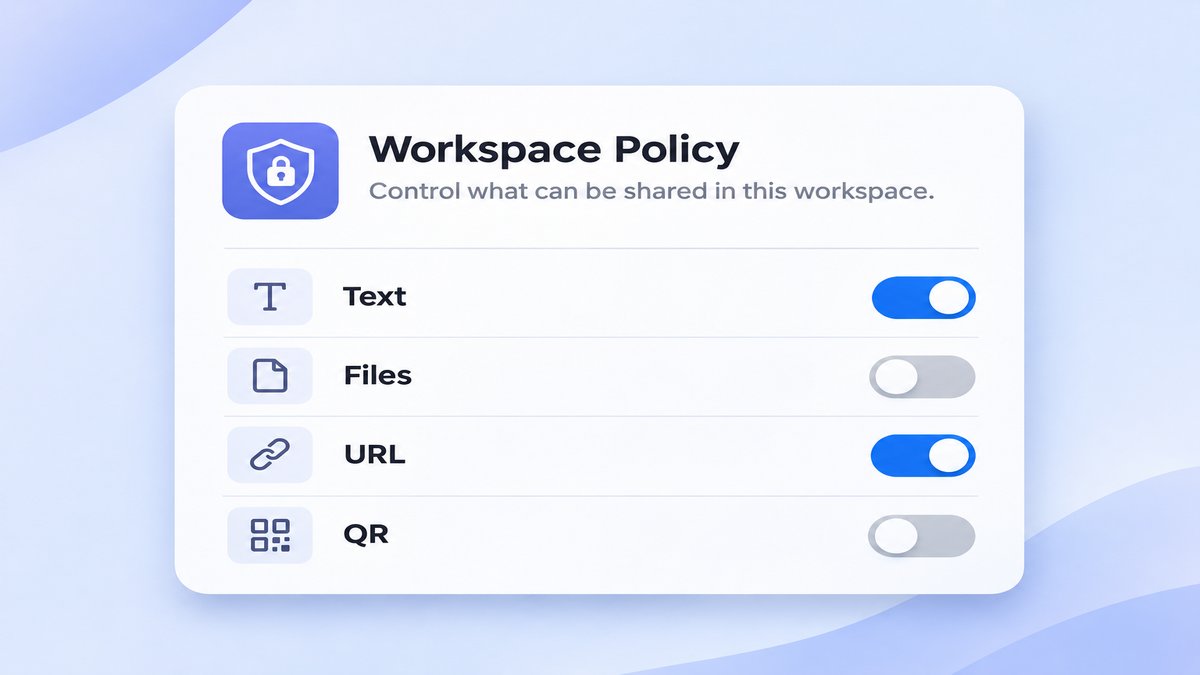
TL;DR: Workspace admins on hosted Password Pusher Pro can now turn specific push types (Text, Files, URL, QR) and Requests on or off for their workspace. These switches live under Workspace → Policy → Availability. Changes take effect immediately — creation is blocked through the UI and the API, but existing secret links remain accessible.
What It Does
Before this, every hosted Password Pusher Pro workspace had the same set of creation options available to every member: all four push types (Text, Files, URL, QR) plus Requests. That’s the right default, but it’s the wrong fixed constraint. Some teams want to restrict what their members can create — a legal team that should only use text pushes, an organization that has disabled Requests as a workflow choice, a workspace that has no use for QR pushes and wants to keep the UI uncluttered.
Workspace Availability Policies are the answer. Workspace admins can now independently toggle each push type and Requests on or off for their workspace. All switches default to enabled, so nothing changes for existing workspaces unless an admin explicitly turns something off.
Configuring Push Availability
The settings live under Workspace → Policy, in the left sidebar under the Pushes section. The first item is now Availability.
The Availability view shows four toggles, one per push type:
- Text — Allow members to create text pushes.
- Files — Allow members to create file pushes.
- URL — Allow members to create URL pushes.
- QR — Allow members to create QR pushes.
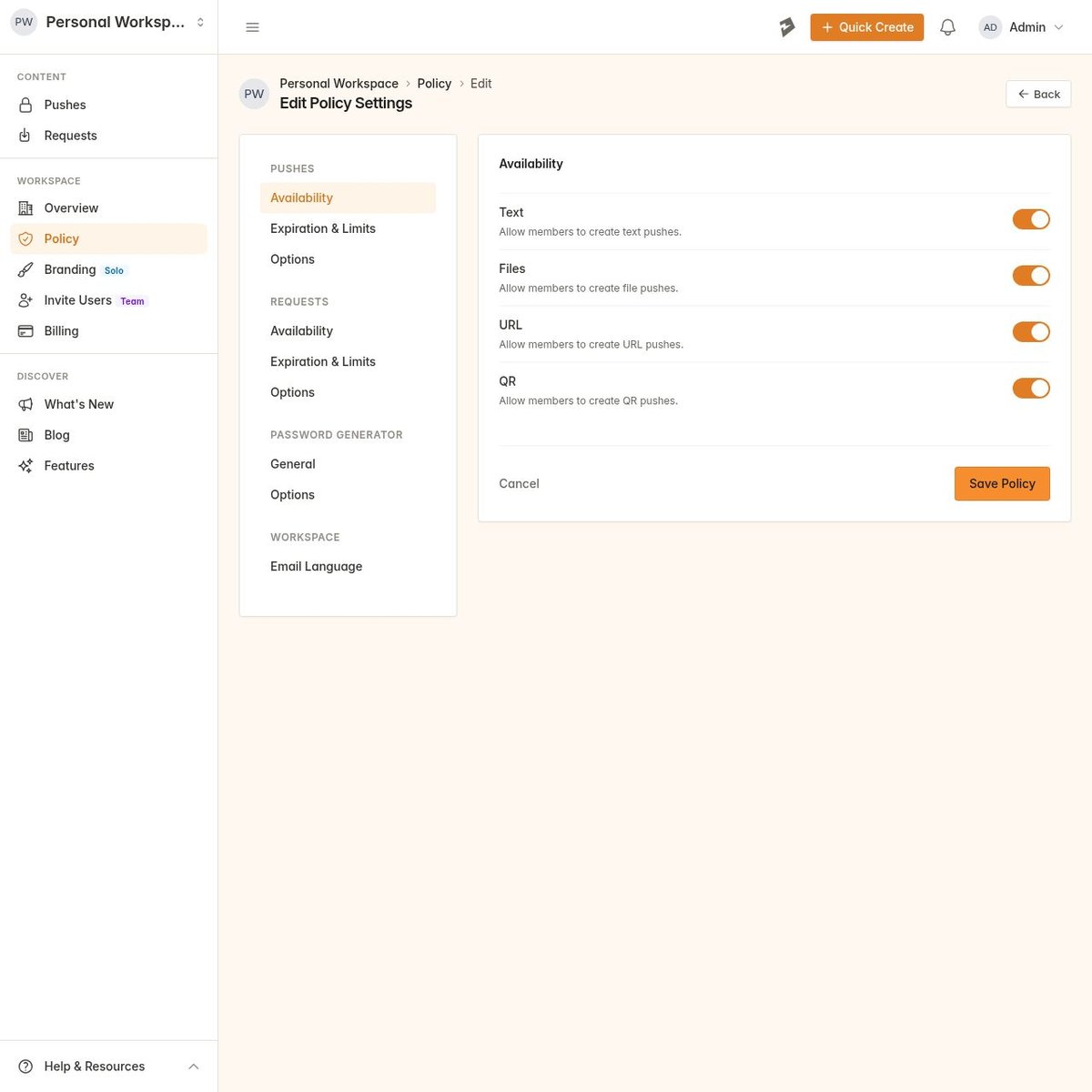
Each is an on/off toggle. Saving the form applies the change immediately to all members of that workspace.
Configuring Request Availability
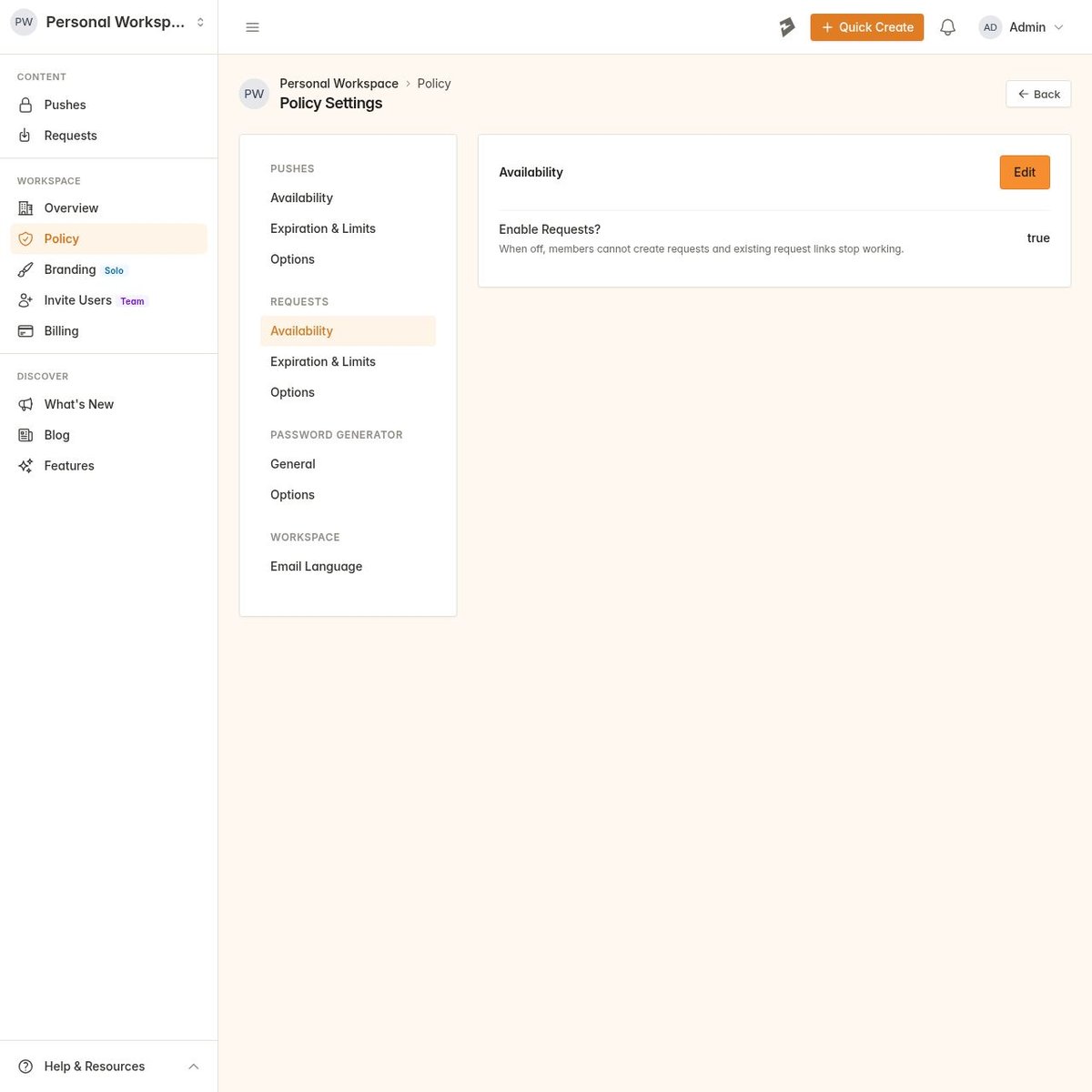
Request availability follows the same pattern, in the Requests section of the policy sidebar. Toggle Enable Requests? off to prevent new requests from being created and to stop existing request links from resolving.
What Changes for Your Team
When a push type is disabled, the workspace responds consistently across every entry point:
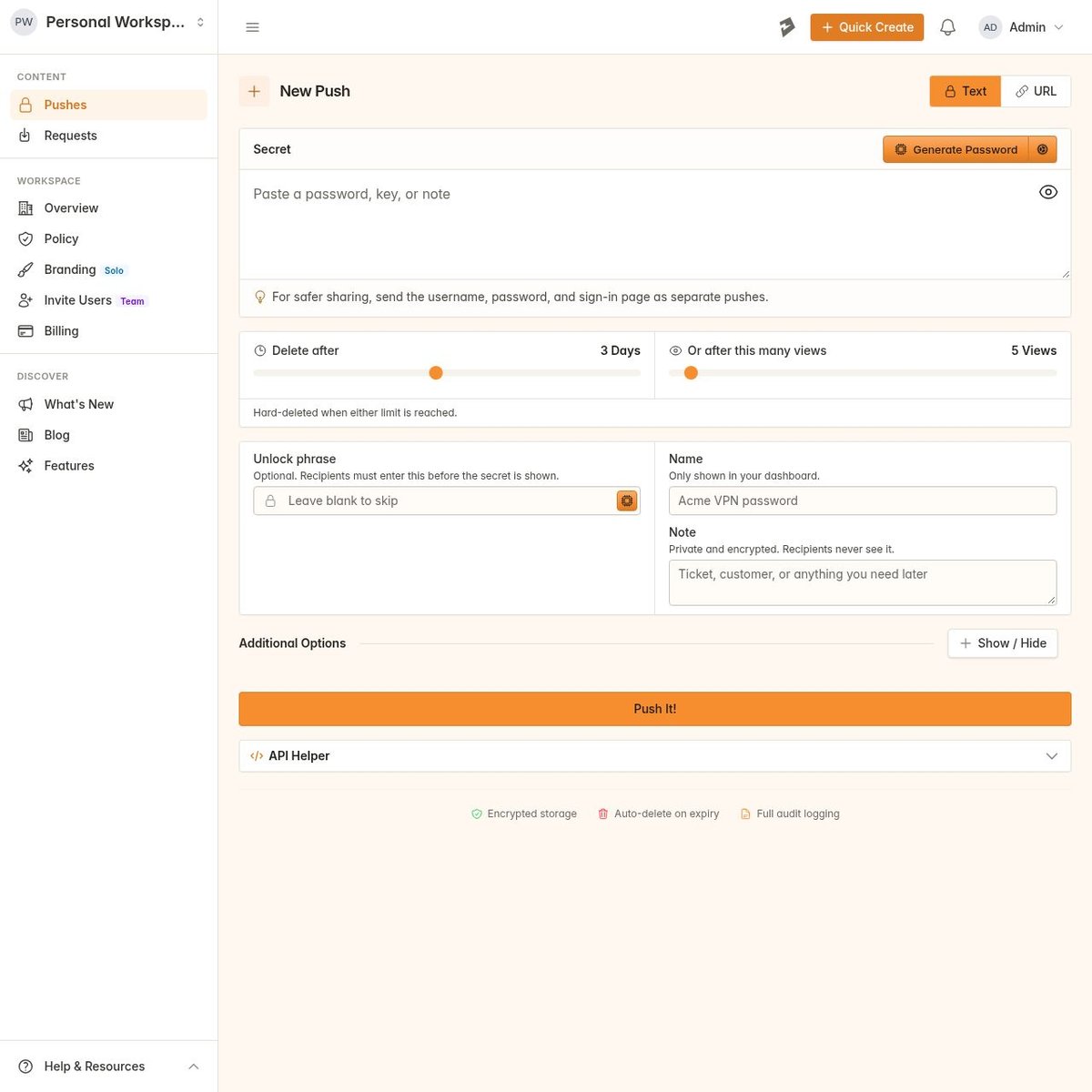
- The corresponding tab disappears from the New Push creation page. If a member navigates directly to that tab’s URL, they’re redirected to the first still-enabled type.
- The push type disappears from the Quick Create menu in the dashboard header.
- Web and API creation of that push type returns a 403 response with the message “That push kind is disabled.”
- If every push type is disabled, the workspace shows a plain message: “Push creation is turned off for this workspace.”
When Requests are disabled:
- The Requests link disappears from the sidebar navigation.
- The request statistics tiles on the workspace dashboard are hidden.
- Attempting to create a request via the web or API returns a 403 “Requests are disabled.”
Existing secret links are unaffected in both cases. A push created before a kind was disabled is still retrievable. The disable applies only to new creation.
API Support
The GET /api/v2/version endpoint now includes per-kind availability:
{
  "features": {
    "pushes": {
      "kinds": {
        "text": true,
        "file": true,
        "url": false,
        "qr": true
      }
    },
    "requests": {
      "enabled": true
    }
  }
}
Integrations that create pushes programmatically should check features.pushes.kinds before attempting to create a specific type. API v1 and v2 both enforce availability — a disabled kind returns 403 whether specified by name, by legacy path (/f.json, /r.json), or by enum ordinal.
Where This Might Not Be the Right Fit
A few things worth knowing:
This is governance, not a security boundary. Availability Policies control what members of a workspace can create through Password Pusher Pro. They don’t prevent anyone from sharing credentials through some other channel. They’re a workflow control, not a comprehensive restriction.
It’s workspace-level, not per-member. There’s no way to allow some members to create URL pushes while blocking others in the same workspace. The toggle applies to everyone. If you need different rules for different users, the right approach is separate workspaces.
Existing pushes survive the toggle. Turning off a push type doesn’t expire or delete pushes created before the change. That’s intentional — revoking access to links already shared would be destructive — but it also means disabling a type doesn’t immediately clear previously shared secrets.
Requests disabled means existing request links stop working. Unlike push kind disabling (which only blocks new creation), turning off Requests also blocks access to existing open request links for that workspace. Plan accordingly before disabling Requests on an active workspace.
Availability
Workspace Availability Policies are available on the Team and Organization hosted plans on pwpush.com. Self-hosted Password Pusher Pro workspaces continue to use the existing global application settings in the Administration Center.
Peter Giacomo Lombardo Founder & Principal, Apnotic · Creators of Password Pusher