
Hosted (Premium)
Branded push and request pages, file sharing, and audit logging for Premium subscribers on pwpush.com.
Overview
Premium is a paid hosted plan at pwpush.com. It includes everything in the free hosted tier—including requests with file attachments on responses (Free requests are text-only)—plus secure file sharing on pushes and full branding of push and request delivery pages (logos, colors, messaging—not a custom domain; that is Hosted (Pro)).
Subscribe in your preferred data residency: us.pwpush.com or eu.pwpush.com. See Regions.
Features
Requests are available on Free (text responses only) and every paid tier. Premium adds:
- Files — Secure file sharing on pushes and file attachments when recipients respond to a request (see Hosted (Free) for what Free excludes)
- Branding — Customize push and request delivery pages with your logo, colors, and messaging (see below)
- Audit logging — Stronger visibility into activity for your account
Brandable pages
Premium subscribers can brand these experiences:
Push pages
| Page | Description |
|---|---|
| 1-Click Retrieval | Initial page before accessing a push |
| Passphrase | Passphrase entry for protected pushes |
| Push Delivery | Page displaying push content |
| Push Expired | Shown when a push has expired |
Request pages
| Page | Description |
|---|---|
| Request Delivery | Page where the recipient receives the request |
| Request Ready | Confirmation after a response is submitted |
Global branding
| Element | Description |
|---|---|
| Logo | Custom logo on branded pages |
| Favicon | Custom browser tab icon |
Configure branding
After you have an active Premium subscription, open Account settings and go to the Branding section to upload your logo, set colors, and adjust messaging.
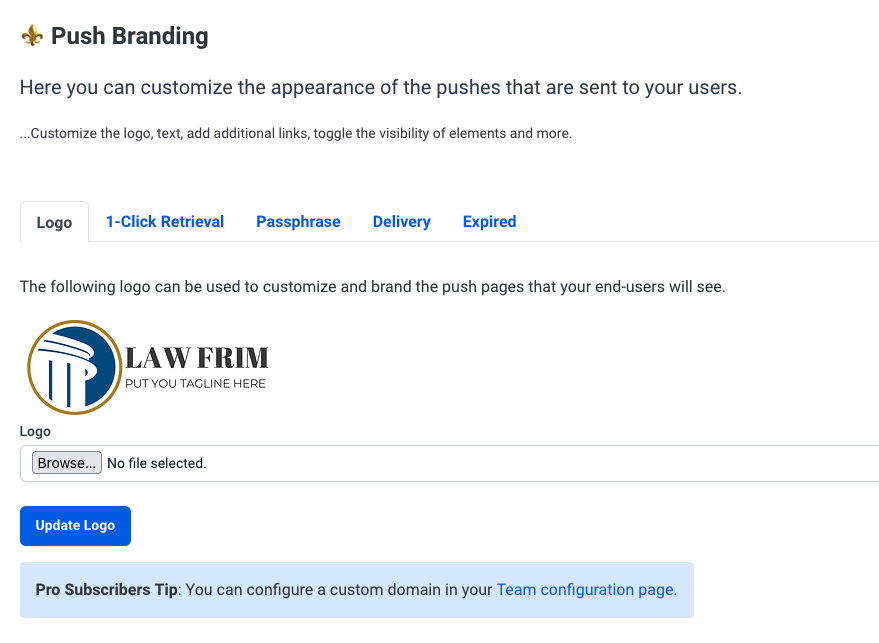
Example delivery page
Below is an example of a customized push delivery page:
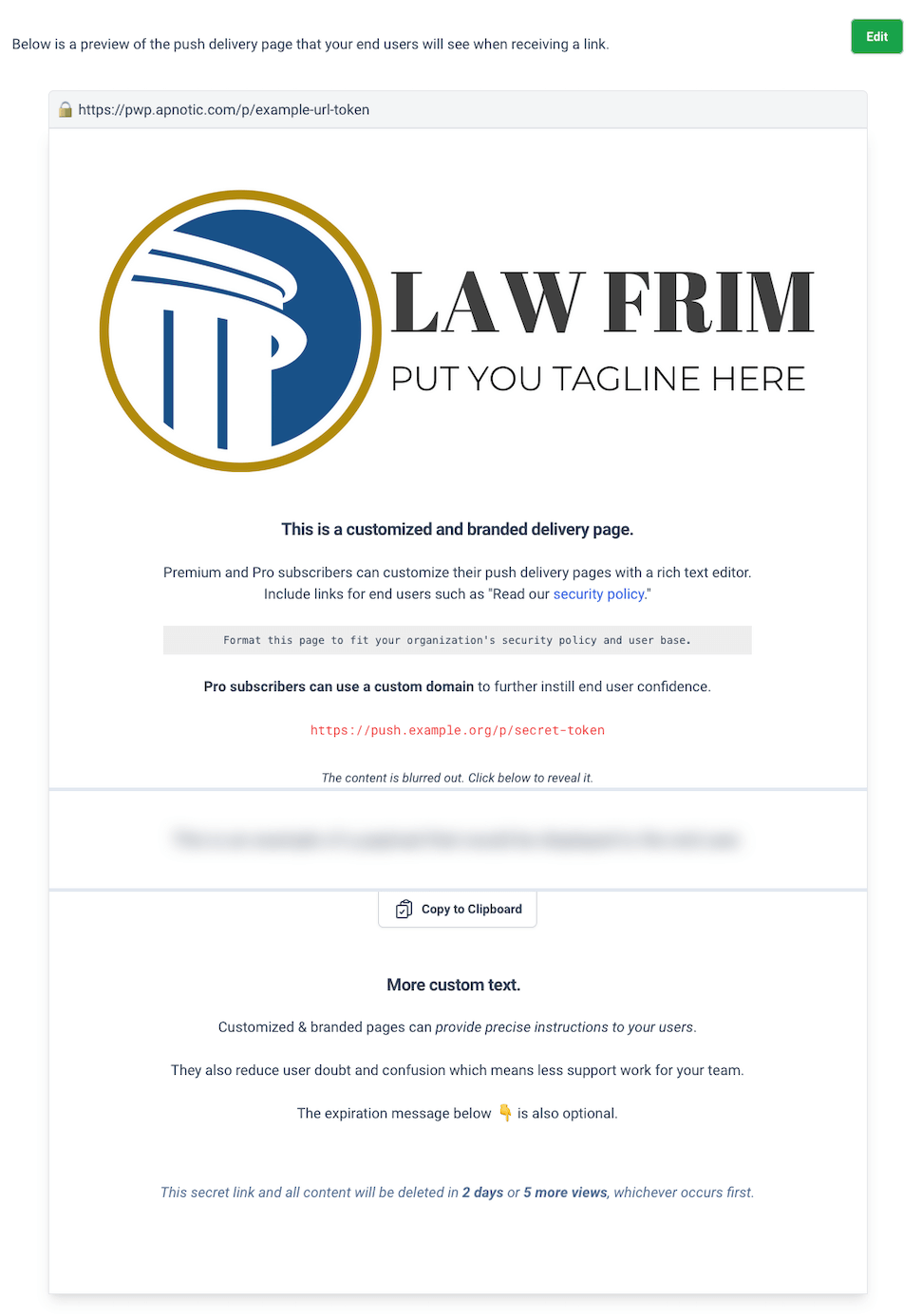
More examples: Pipeline: New Features — Premium.
How to get started
- Confirm Premium fits your needs vs Pro (custom domains and teams are Pro).
- Subscribe on us.pwpush.com or eu.pwpush.com.
- Open Branding in account settings and customize your pages.
See also
- Hosted (Free) — Free hosted tier
- Hosted (Pro) — Custom domains and teams
- Rebranding (OSS Self-Hosted) — Self-hosted themes and CSS
- Editions — Compare editions
- Premium Features — Feature highlights